Skip to content

The accessibility MCP server

Connect your AI coding assistant to sitebrunch and fix audit findings directly in code.

What the MCP Server can do

Overview

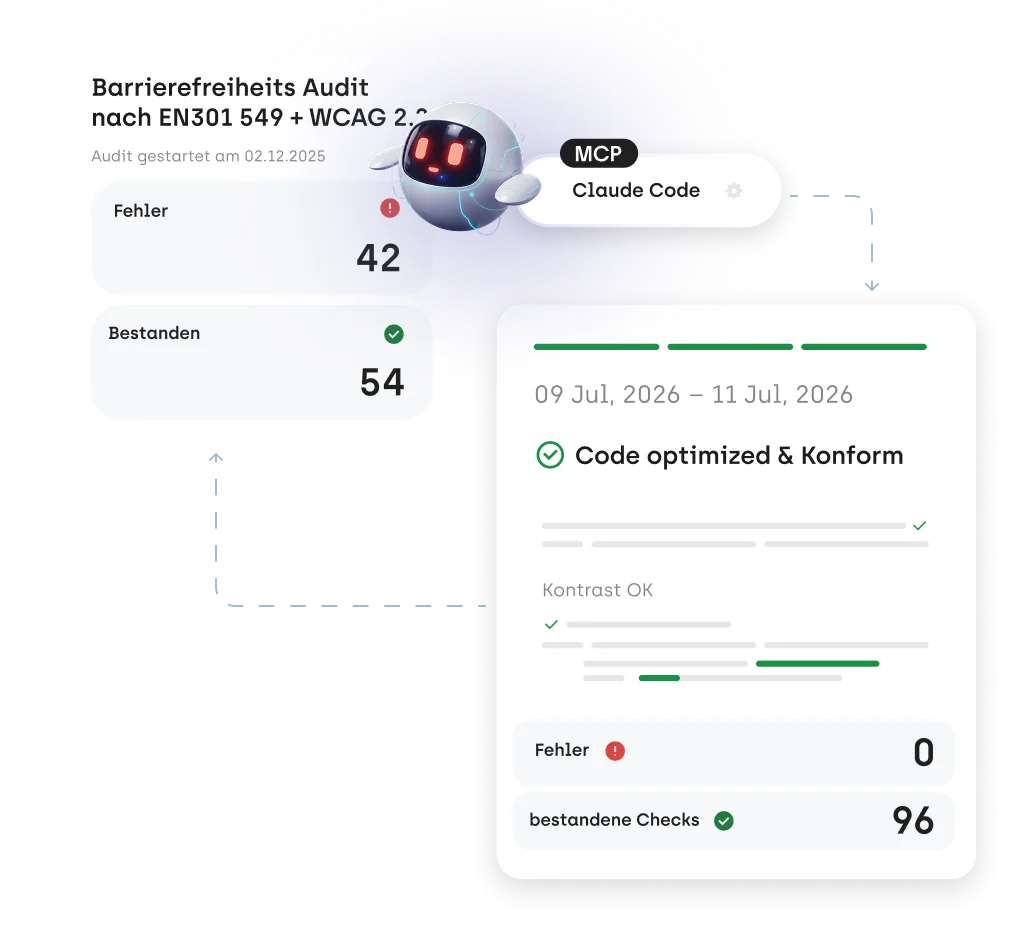
Work through findings by priority

Your AI agent sees all audit findings, sorted by severity. You can filter by page or have the most critical issues shown first.

Precise

Full issue details with selectors

For every issue, your AI agent gets CSS selectors, a problem description, and a concrete solution suggestion. That way it finds the affected spot in your code right away.

Efficient

Fix technical issues in code

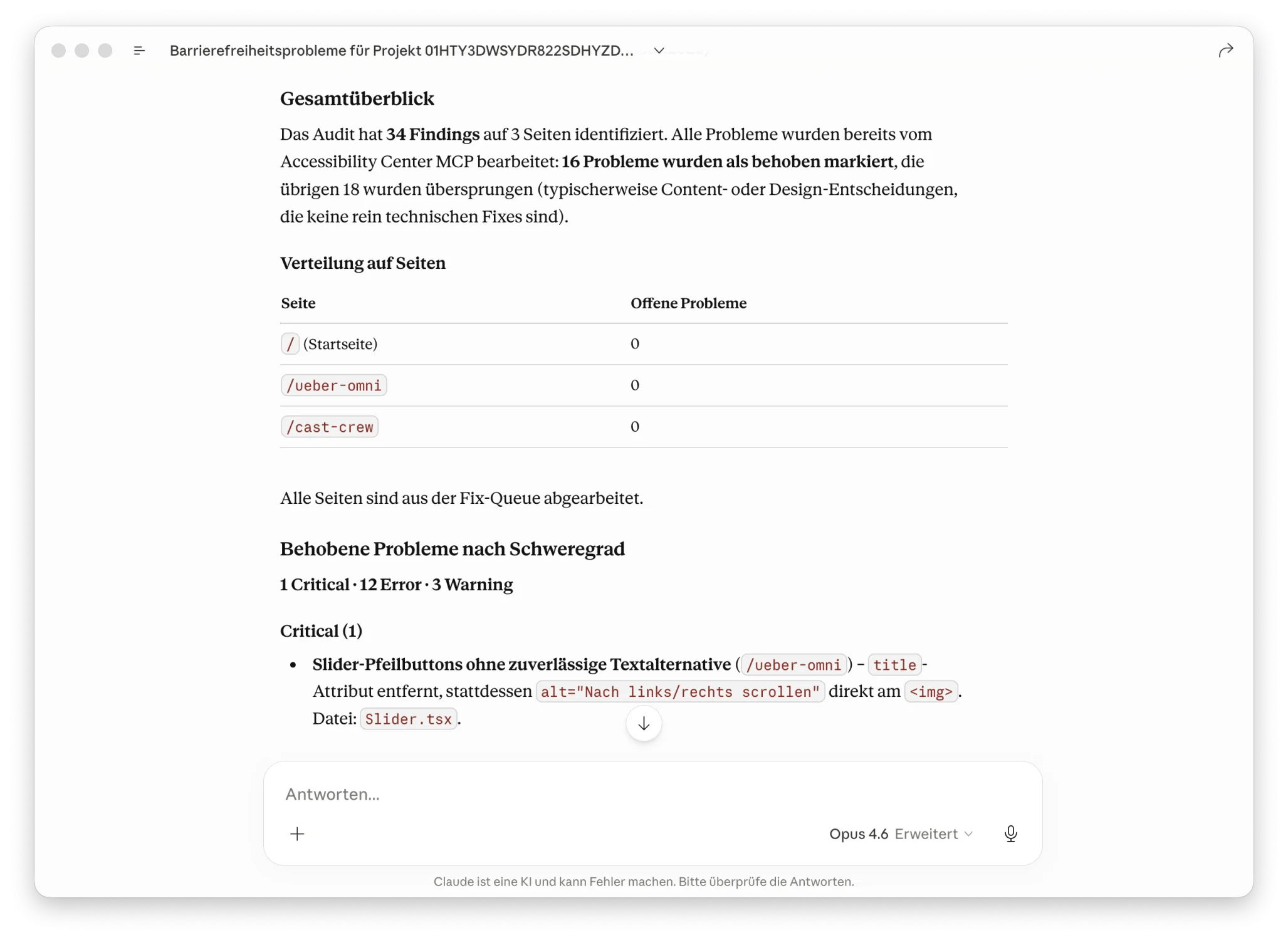
Missing alt attributes, missing ARIA labels, incorrect heading hierarchies, or missing form labels: your AI agent fixes structural issues directly in your files.

Safe

Skip content decisions

Issues that require human judgment (e.g. which alternative text fits best) are skipped and documented. A wrong fix is worse than no fix.

Traceable

Automatic documentation

Every change is documented as a comment on the respective finding in sitebrunch, including the modified files. Your team sees right away what was fixed.

Test accessibility with your AI agent? Try it out

You can test your website against WCAG together with your AI agent and document the results directly in sitebrunch. The feature is still at an early stage, so the results are not always reliable yet. To try it, write to us at kontakt@sitebrunch.com.

Try it now

How the workflow works

Ready to bring accessibility into your workflow?

Connect your AI assistant with sitebrunch and fix accessibility issues without leaving the editor.

Start now (opens in a new tab)

FAQ