
How to create accessible PDFs: every option compared
Word, InDesign, Acrobat Pro, specialist tools, service providers or the free sitebrunch PDF editor: how to create accessible PDFs, and how to find the option that fits you.
More and more job applications are read by software before a person sees them. If your PDF is not machine-readable, your details go missing. Here is how to build a CV that software and screen readers can both read, with four free templates.
Open the templates (opens in a new tab)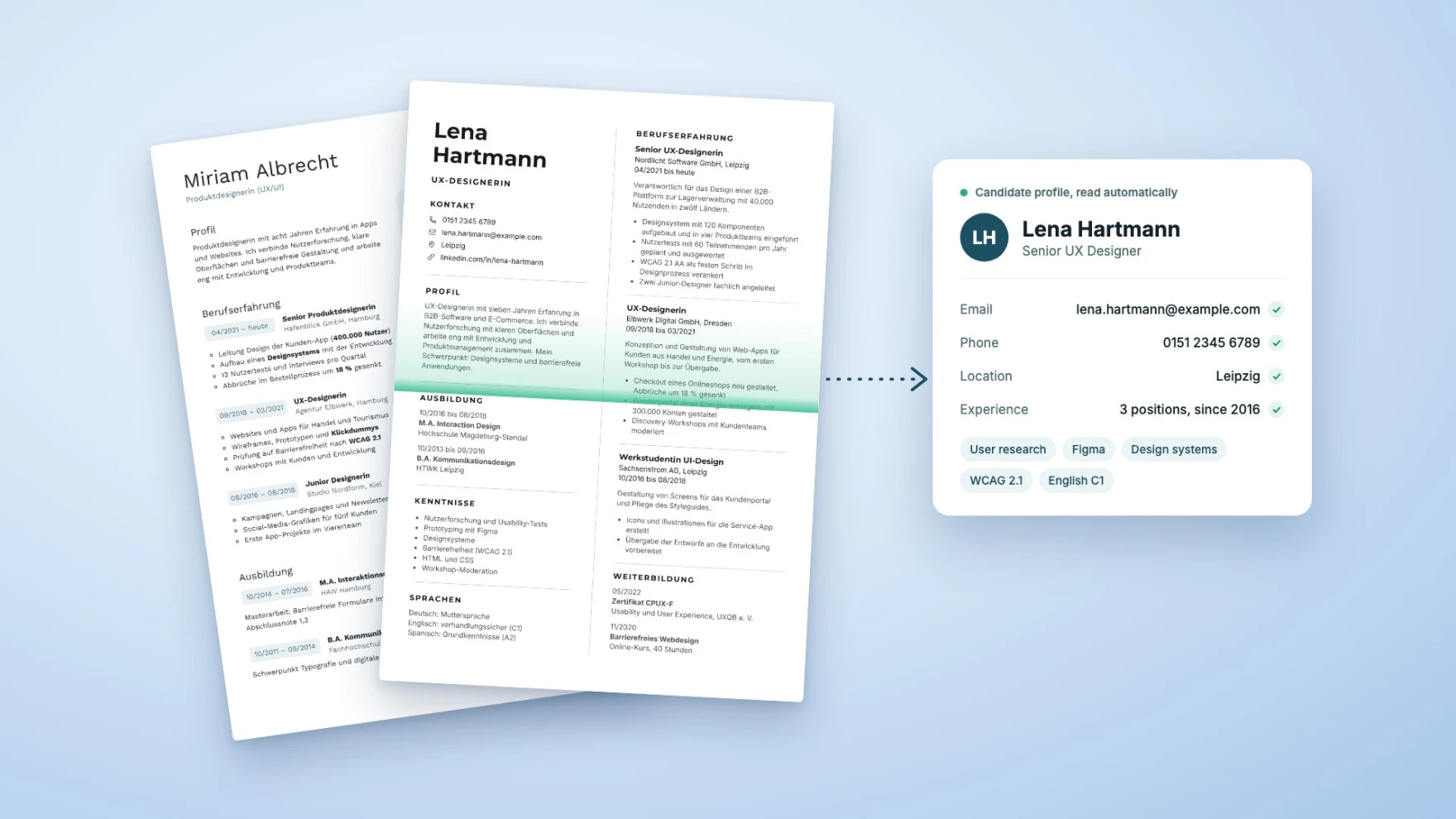
Before a person reads your application, software does. Applicant tracking systems pull your name, contact details, jobs and skills out of your PDF and file them into fields. If the PDF looks good but contains no text a machine can read, those fields end up wrong or empty. A few simple rules make sure your application arrives exactly the way you wrote it.
Key points
Nearly all large employers take applications through software. In Germany, 6% of companies already let AI pre-sort applications, and the share is growing.
The software rarely rejects you outright. The real risk is that it misreads your details, and you don't show up when someone searches for candidates.
Small design choices are usually to blame: two columns, contact details in the header, bars instead of words, scanned pages.
A one-minute test shows you whether your PDF can be read.
The free sitebrunch PDF editor has four job application templates that software reads correctly.
When you apply through a careers page, your application usually lands in an applicant tracking system. The program reads your CV and creates a profile: name, email, phone number, work experience, education, skills. The HR team then works with that profile. They might search for every application that mentions "project management", filter by degree or sort the list.
This is already standard practice. According to the career platform Jobscan, 97% of the 500 largest US companies use such a system (Jobscan, 2026). In Germany, 12% of companies use AI somewhere in hiring, 6% let it pre-sort incoming applications, and another 27% would consider it (Bitkom, September 2026). In early 2025 it was 1% (Bitkom, March 2025).
Your contact details are missing. If your name and address sit in the header, in a graphic or only behind small icons, the software often can't find them. Your profile then has no email address and no phone number. Someone going through 200 applications won't call you.
Your jobs get mixed up. Many good-looking CVs have two columns: contact and skills on the left, work experience on the right. But some software reads line by line straight across the page. Your dates then end up with the wrong employer, and sentences from both columns run together. At least 15% of CVs use columns, estimates Textkernel, whose technology sits inside many of these systems. Its software read only 62% of these CVs cleanly, and 90% once it had its own column detection (Textkernel). Not every system you apply through can do that.
Your skills are invisible. Five stars for Excel or a bar at 80% for English look nice, but the software sees nothing there. When someone searches for "Excel", you don't show up. The same goes for a scanned or photographed CV: to the software it's just a picture.
Greenhouse, one of these vendors, lists exactly these causes in its help pages for CVs that can't be read: contact details in a header or footer, several columns, tables, graphics and text saved as an image. All that's left in the system is the file, with no profile filled in (Greenhouse Support, March 2026).
In most cases, no. In the end, a person decides whether you get an interview. But that person first sees what the software made of your PDF: an overview with your name, jobs and skills. If your work experience is missing there, or listed under the wrong employer, your application looks weaker than it is. And if you don't show up in a search for "project management", nobody looks at your application at all.
You can fix this yourself. With a few simple rules, your CV arrives complete.
Open your PDF and select all the text (Ctrl+A, or Cmd+A on a Mac). If nothing can be selected, your CV is an image.
Copy the text and paste it into an empty text document.
Read through it: do your name and contact details come first? Are the dates next to the right employer? Are all special characters correct?
If something is missing, it's probably sitting in a header, a graphic or an image.
This is roughly what your application looks like to the software. If the text is right here, you've done the most important part.
Save as PDF, don't scan. Export your CV straight from Word, LibreOffice or your editor. Only scan what doesn't exist digitally, such as old certificates.
One column is safest. A sidebar works too, as long as the program outputs the columns one after the other instead of mixing them line by line. Check it with the test above.
Name and contact details belong on the page. Not in the header, not in an image. Write out your phone number and email address; an icon alone isn't enough.
Use the usual headings. Profile, Work experience, Education, Skills, Languages. No software recognizes creative names like "My journey".
Write dates consistently. For example "03/2021 to present", always with four-digit years.
Skills in words, not bars. "German: fluent (C1)" is clear to every person and every piece of software.
A clear file name and a sensible size. For example CV_Lena_Hartmann.pdf. Germany's Federal Employment Agency recommends putting everything into one PDF for email applications and generally staying under 3 to 5 MB. On online portals you usually upload documents one by one (Bundesagentur für Arbeit).
Photo or no photo, your call. In Germany an application photo is not required. But important details never belong in the photo or in a graphic.
People who use a screen reader, such as blind recruiters, need the same things software does. A CV with real text, clear headings and a sensible order is just as readable for them. That helps everyone who reads your application.
In the free sitebrunch PDF editor, "New document" has a Job application category:
Classic CV: a single column with a clean line under each section.
Minimal CV with Sidebar: contact, education and skills on the left, work experience on the right.
Minimal Cover Letter: the matching cover letter for the sidebar CV.
Clean CV: with a colored sidebar for skills, tools and languages.
The templates are based on openly licensed designs from the Figma Community. We rebuilt them so software reads them in the right order, including the ones with a sidebar. All you do is swap the sample text for your own. Everything runs in your browser, and your data is never uploaded.
Your application often has two readers today: software first, then a person. For that person to get the full picture of you, the software has to read your CV correctly. You don't need special knowledge for that, just a clear layout, real text and one minute for the test. Then the decision comes down to what matters: your experience.
Open the PDF editor, pick one of the four application templates and export a PDF that software and screen readers understand. Free, no sign-up and no upload.
Open the templates (opens in a new tab)Word, InDesign, Acrobat Pro, specialist tools, service providers or the free sitebrunch PDF editor: how to create accessible PDFs, and how to find the option that fits you.
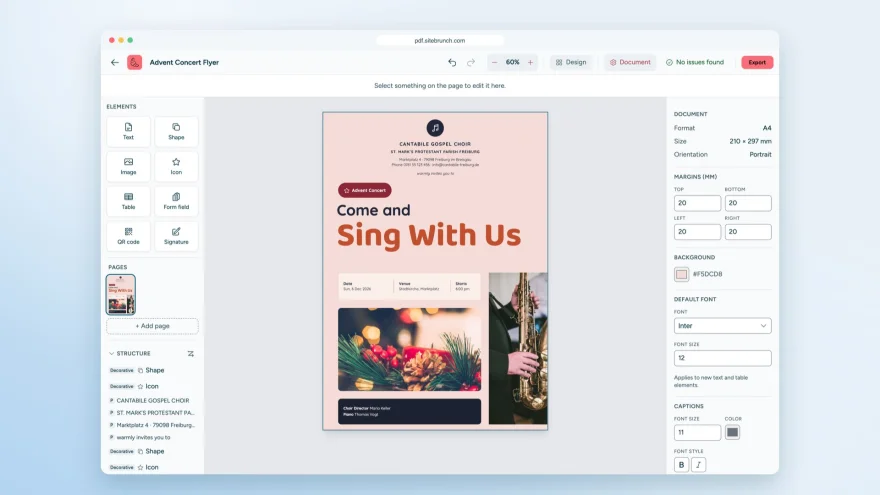
With the sitebrunch PDF editor you design accessible PDFs, convert Word files and create forms. Free, no sign-up and entirely in your browser.
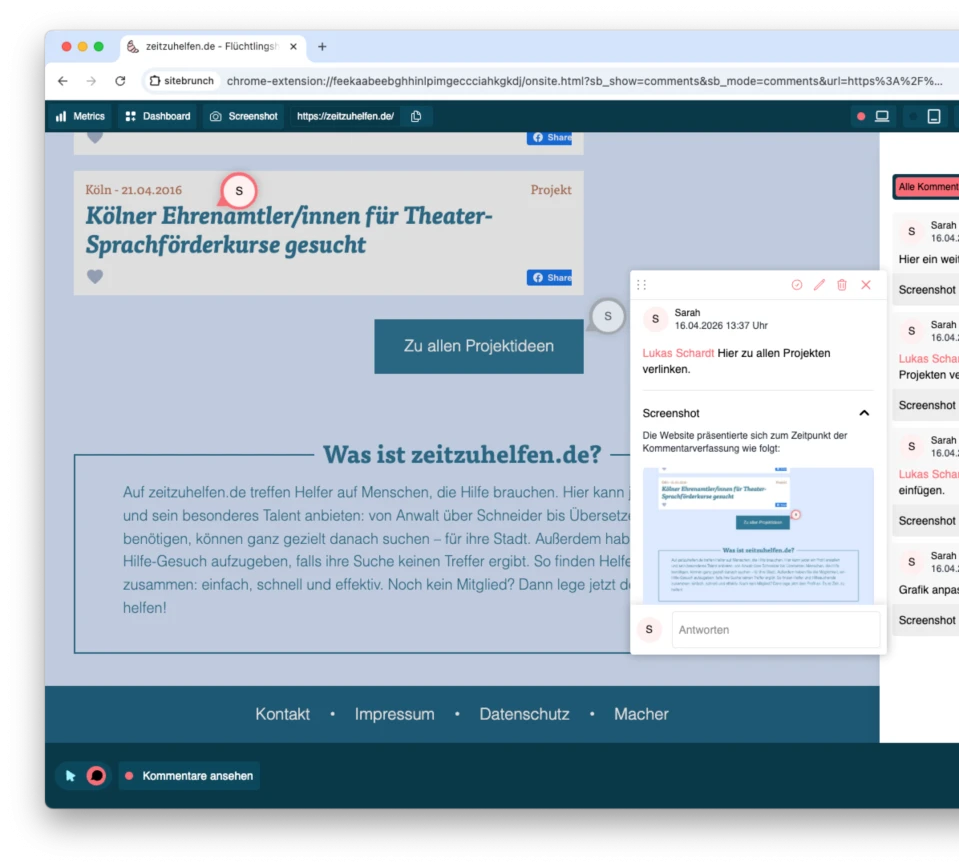
Five tools for collecting feedback on a website during reviews and QA, compared on price and features. And how an AI coding assistant turns that feedback into code.